

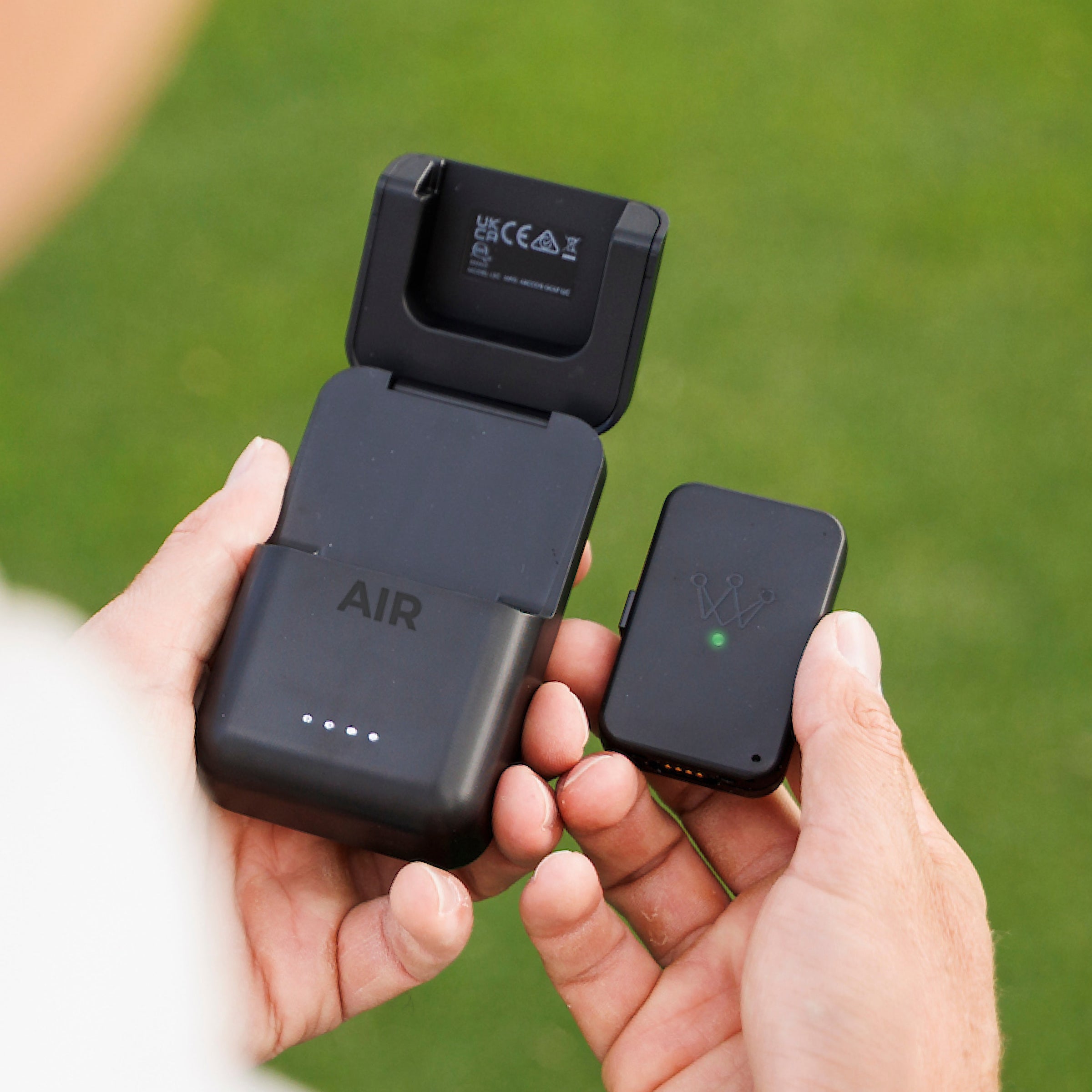
Arccos Air (Hardware Only)
New to Arccos? Get Arccos Air with your first year subscription included
DO I NEED SENSORS ON MY CLUBS?
No. Arccos Air tracks your game automatically without any sensors on your clubs. Every shot is detected by the wearable. Just play. You get full access to Strokes Gained, AI Strategy, Green Maps, and scoring insights. For the deepest club-level insights, you can add Smart Sensors at any time — but they're completely optional.
DO I NEED TO CARRY MY PHONE?
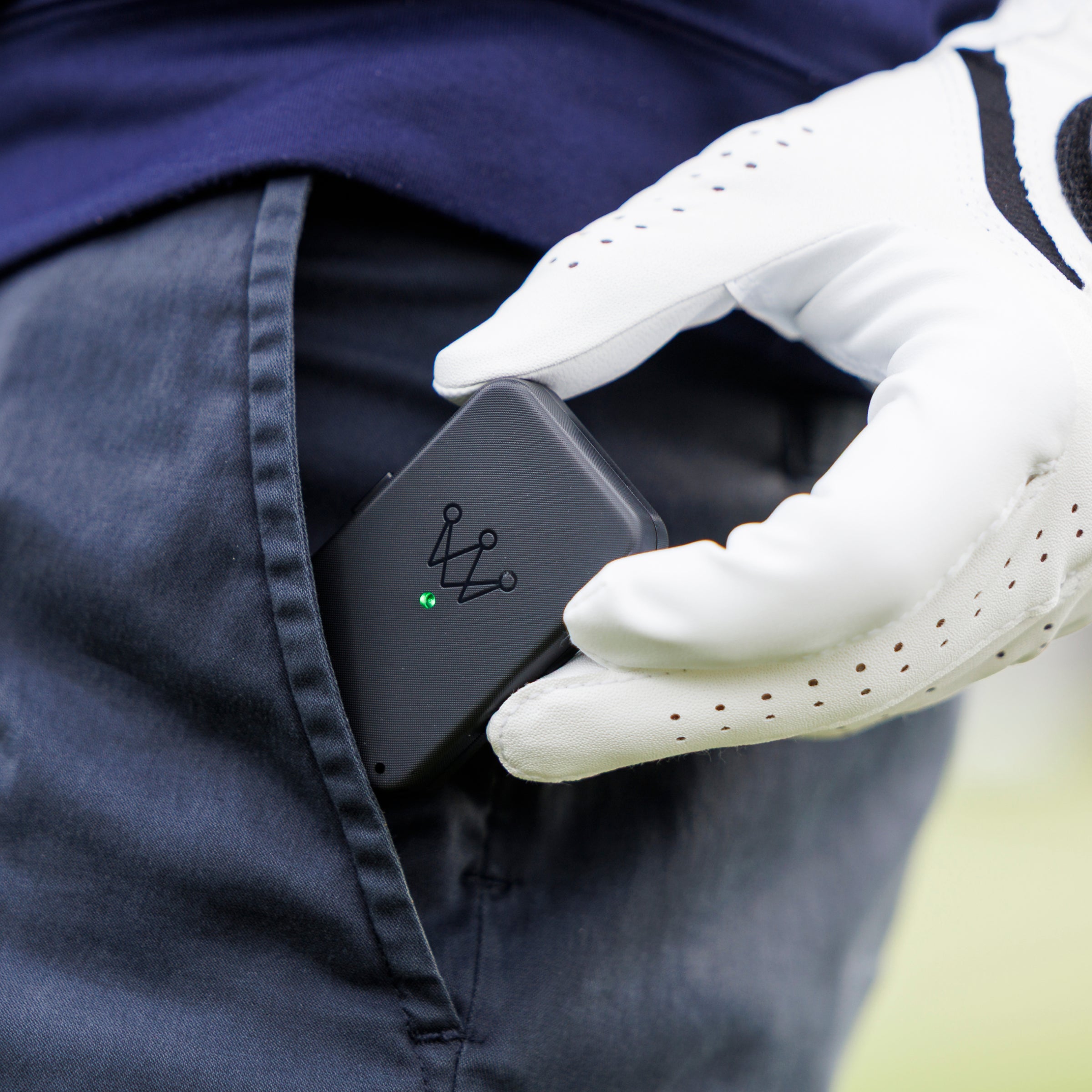
No! That's one of the biggest differences with Arccos Air. The wearable replaces the need for your phone or an Apple Watch on the course. Slip the AI wearable in your pocket, or clip it on your belt, and play. Your shot data syncs to the app after your round or whenever you're back in range.
DO I NEED THIS IF I ALREADY HAVE LINK PRO?
If your Link Pro device is working, you don't need to buy anything. Your hardware is fully compatible with the Arccos Air experience — an over-the-air firmware upgrade handles everything.
Qualifies for Free Shipping
30-day money-back guarantee
1-Year Warranty
You may also like
Arccos Air (Hardware Only)
What's Included
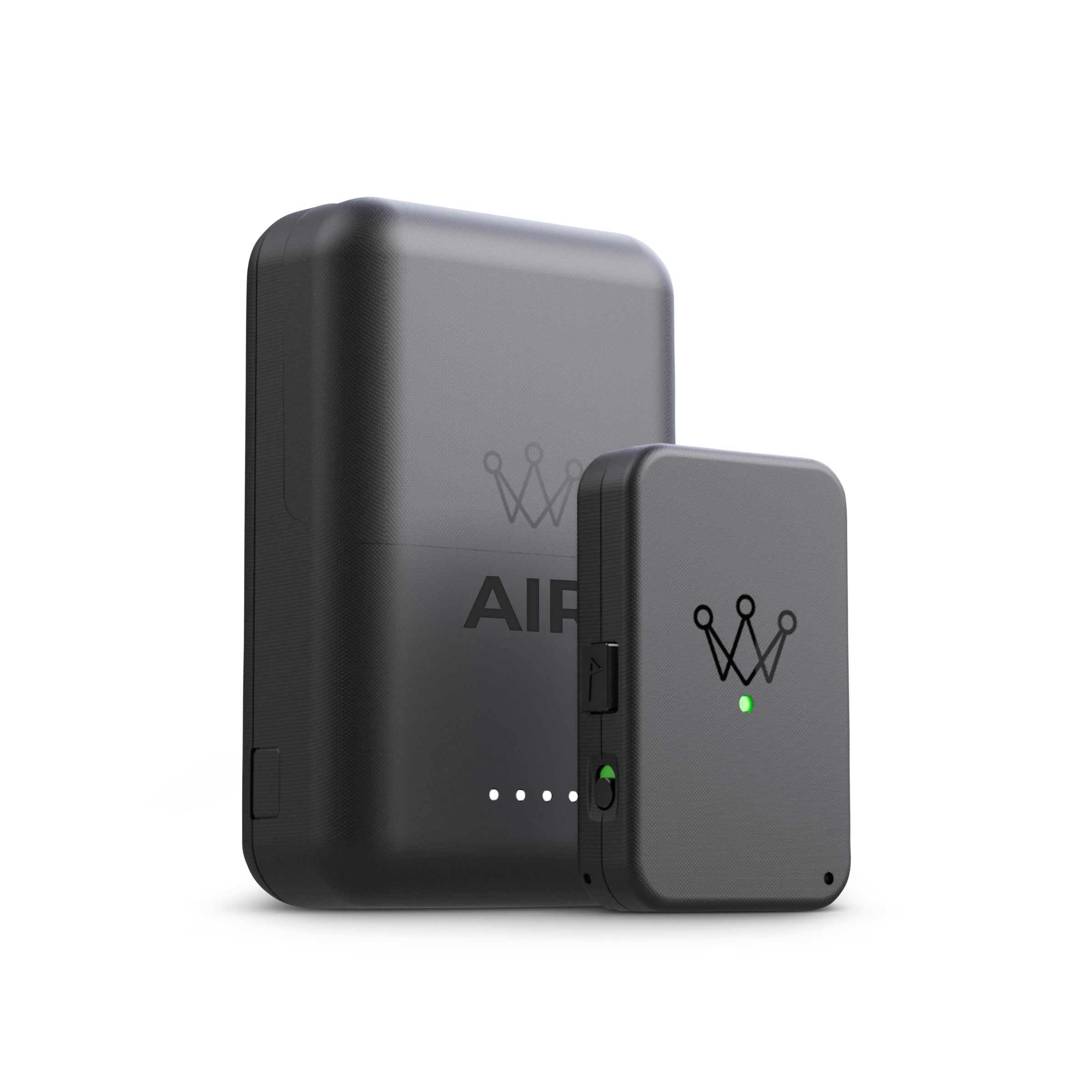
Arccos Air Wearable
Works in pocket to track shots automatically.
Wireless Charging Case
Wireless Charging Case provides safe storage and powers it for up to 12 rounds.
Charging cable
USB-C charging cable to recharge your charging case.
Powerful Features
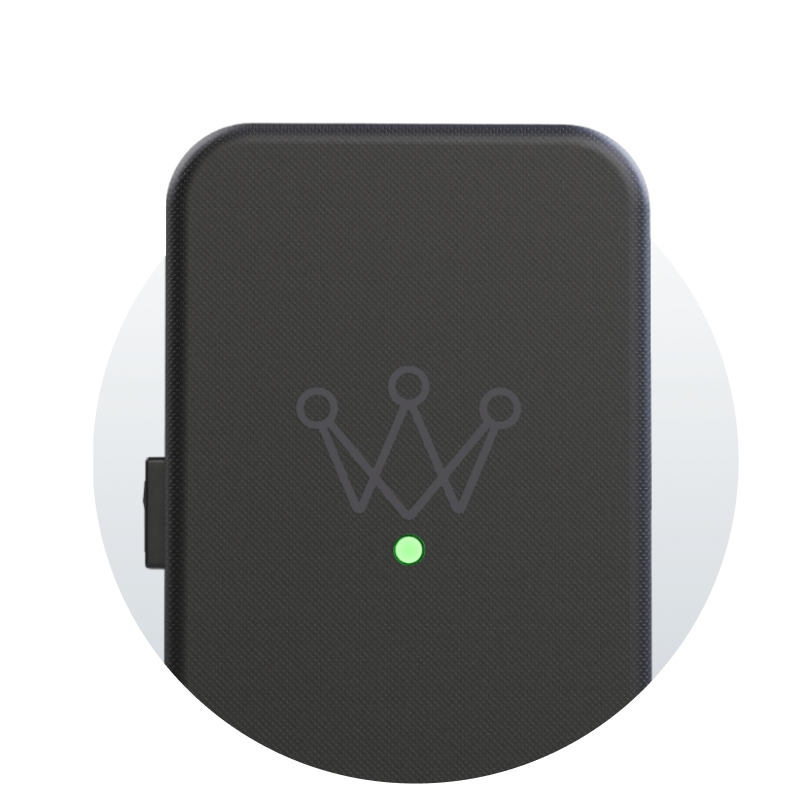
Works In Pocket
Arccos Air can be placed inside your front pocket for seamless shot detection.
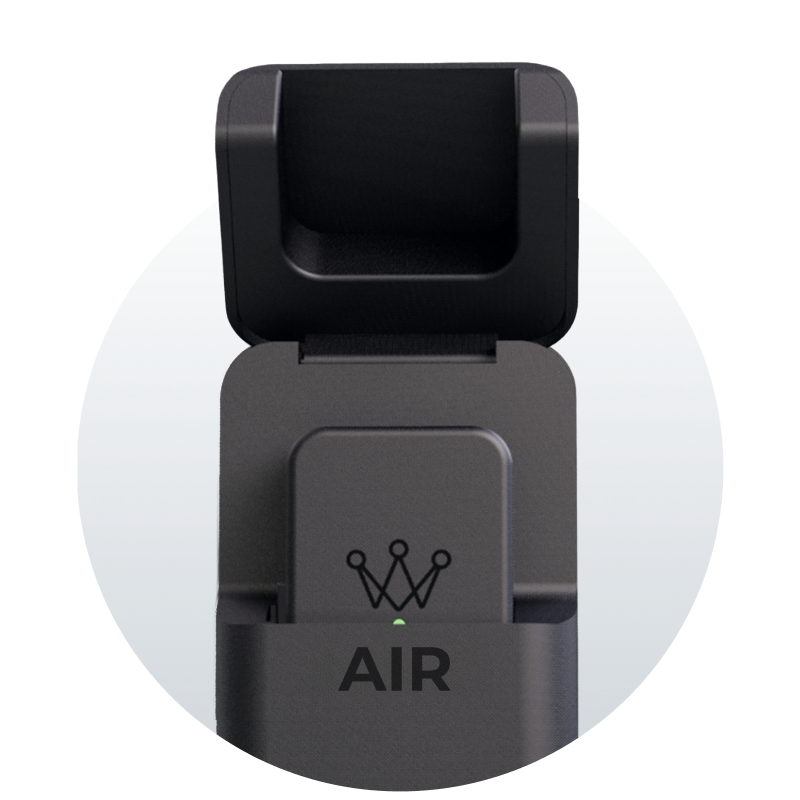
Charging Case
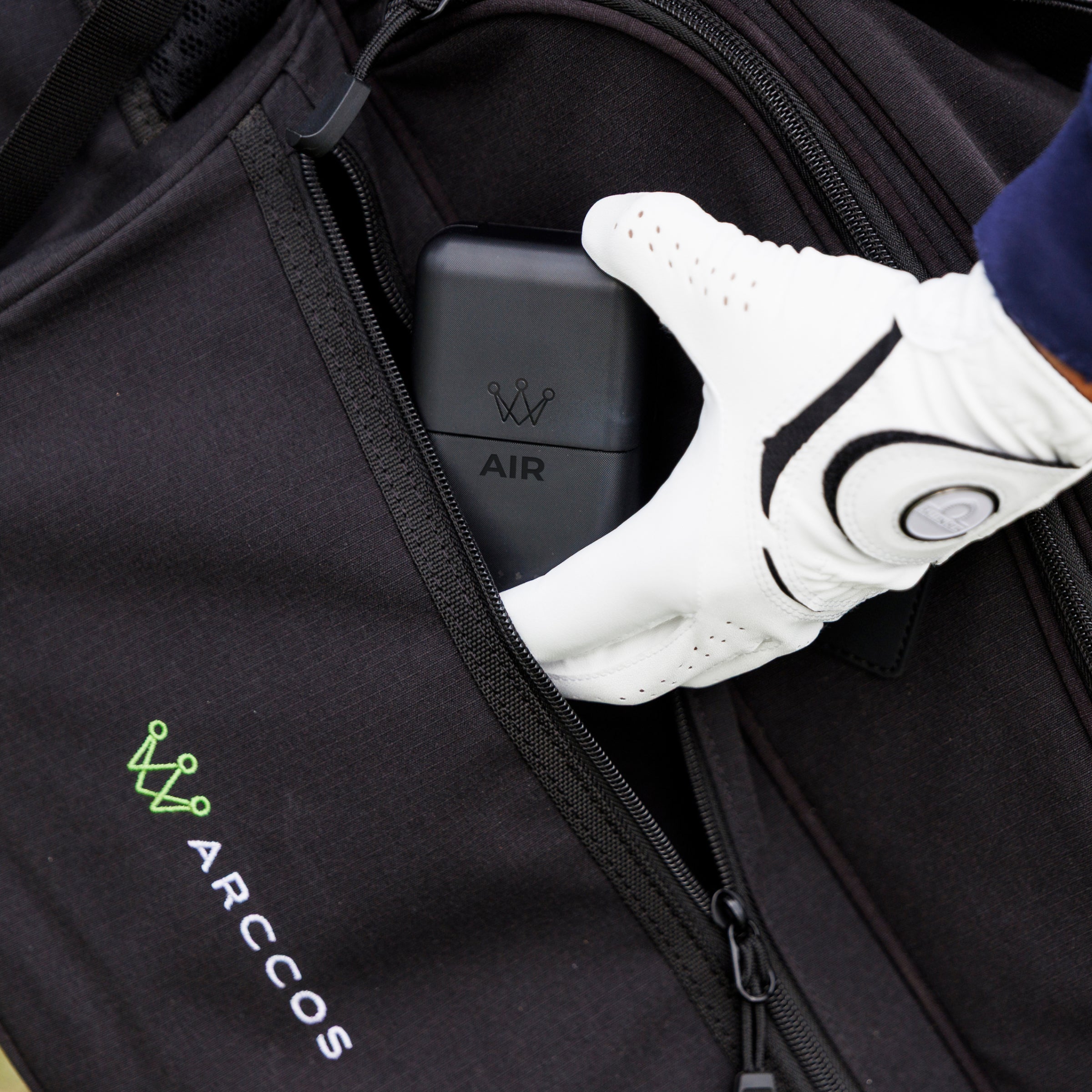
Power up to 12 rounds of golf and store your Air securely in your bag.
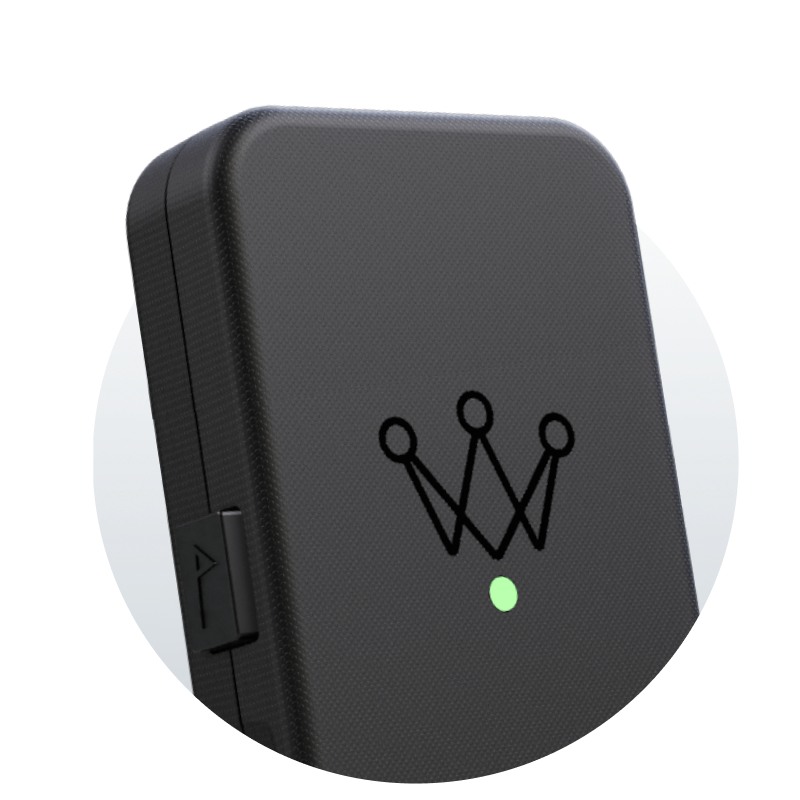
Mark The Pin Button
Easily mark pin location for even more precise approach and putting stats.


How to get started with Air

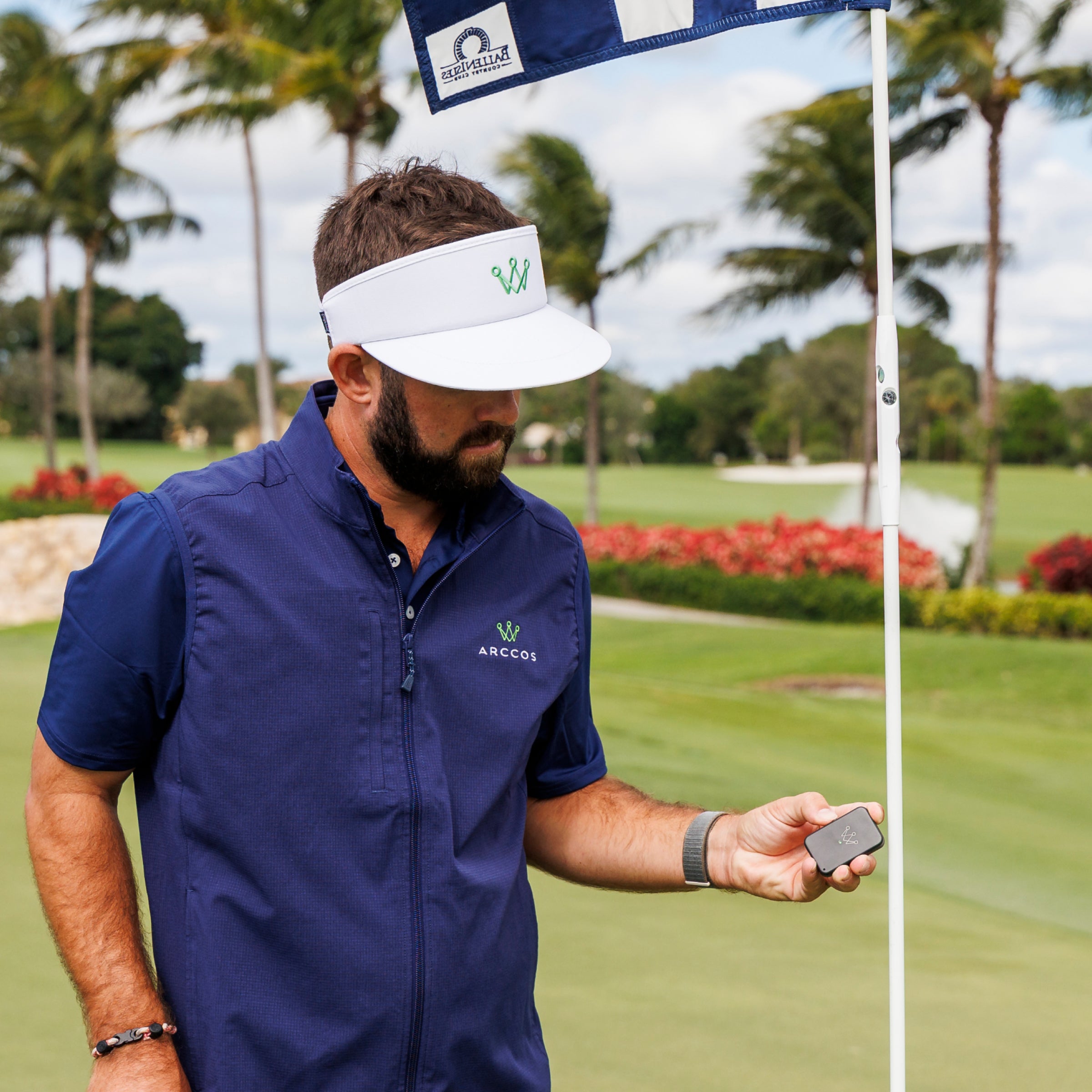
Take a look at in-play with Air

The Air and charging case
I’m excited about the new Air because it’s lighter and smaller than my phone, works in my pocket and lasts 12 rounds with the new charging case!
— Trillium RoseArccos Ambassador
The new Air performs extremely well. The battery pack allows me to play multiple games without having to remember to charge the Air between rounds and ability to easily mark the pin is a plus.
— Barry VArccos Member
The Air works flawlessly and is a must have for anyone in the Arccos ecosystem.
— BenjaminArccos Member
Do you have game tracking?
Arccos Air wearable requires a Game Tracking subscription to gain access to the award-winning Arccos app. Include your first year’s membership.
FAQs
What is Arccos Air?
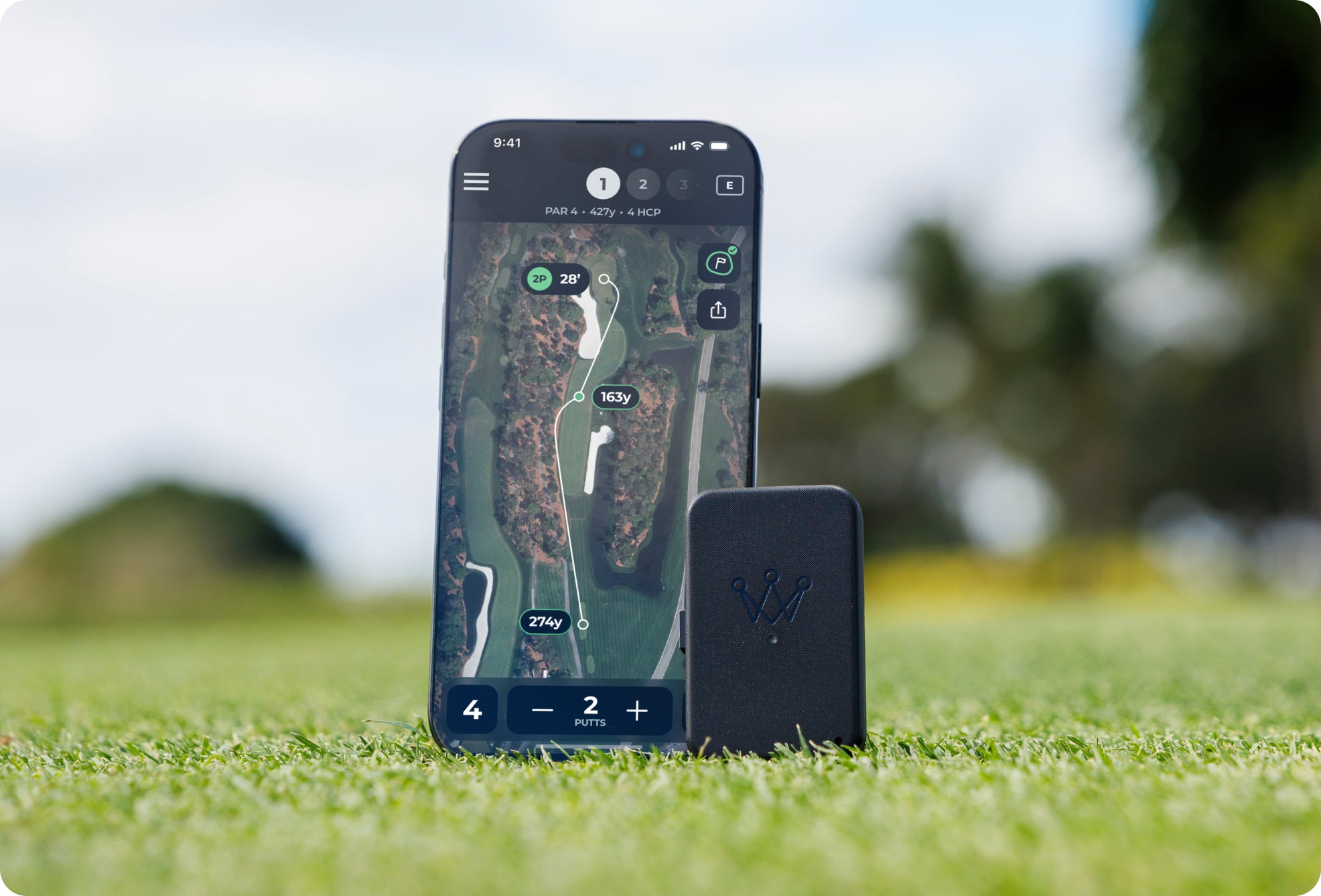
Arccos Air is a small, lightweight, powerful device that seamlessly connects with your Arccos sensors to automatically record your shot data and removes the need for the player to carry a smart phone in their front lead pocket during play.
How does Arccos Air work?
To play your first round with the device, you will need to turn on your Air. do this by simply removing the Air from its Charging Case and slide the switch on the side of the device so that it displays green, you will see an LED light up on the front of the device letting you know it is powered on.
In order to pair Air you need to make sure bluetooth is enabled on your phone and then select “pair Air” when prompted in the arccos app.
Now you’re ready to play with your new Air. simply select Air as the shot detection method and start your round. with the new upgraded gps antenna the Air will now sync your gps coordinates faster than ever. Once it has synced you may put the Air in your front pocket, for the best results place it in your front pocket of your lead leg.
You can keep your phone in your bag, the cart, your trolley, pull cart, or keep it in your pocket, it’s entirely up to you. During the round you can also set pin positions, by quickly pressing the Flag Marking button when you are next to the hole. When you are in Bluetooth range of your smartphone Arccos Air will automatically transmit your shot data allowing you to interact with your smartphone during a round, or you can wait until the round is over.
What happened to Link Pro?
Arccos Air is the new name for the game tracking experience previously known as Link Pro. Your hardware is the same device — fully compatible with everything Air offers.
When you open the Arccos app, you may see a prompt to update your firmware. Tap to confirm and you're done. No changes to your subscription or your data.iOS users get full sensorless play immediately after the update. Android sensorless functionality is coming soon.
Will Arccos Air work with my existing Arccos Product?
Arccos Air will work with all our 2nd and 3rd generation, full set, non-Bluetooth products, including Arccos 360, Arccos Smart Sensors, Arccos Smart Grips, Cobra Connect and PING Smart Sets. It will not work with our 1st generation Bluetooth product or Arccos Driver. If you have a Bluetooth putter sensor you may be eligible for a free putter sensor upgrade, please see the next FAQ for more information.
I have a Bluetooth putter, can I use Arccos Air?
Arccos Air is not compatible with any of our 1st generation products, including Bluetooth putter sensors. As a gesture of goodwill, any 2nd or 3rd generation Arccos user who has a Bluetooth putter sensor will be eligible to receive a free 3rd generation putter sensor ensuring your sensors are fully compatible with Arccos Air. To take advantage of this offer simply order Arccos Link Pro and email your order confirmation to Starter@arccosgolf.com requesting your free putter upgrade. Once your Arccos Air ships we will also send you a new 3rd generation putter sensor.
I have a 1st generation Arccos Golf set, can I use Arccos Air?
Unfortunately, Arccos Air is not compatible with any of our 1st generation Bluetooth products.
How many rounds does the Air battery last?
Arccos Air's battery is designed to last for 2 rounds of golf or up to 10 hours. The charging case is an exciting new addition to the Air product. Getting started with Air includes understanding how the charging case functions and what the best practices are to get the most out of using the charging case.
We suggest storing the Air in the charging case after each use. The charging case can power the Air for up to 12 rounds of golf before it must be recharged. Without being charged, the Air will hold up to 10 hours of battery life, or two full rounds, without additional charging in the case. The charging case also provides a safe and secure way to keep your new Air stored in your golf bag for your next round.
How do I know my Air is charging?
When the Air is charging inside the charging case, the LEDs will illuminate in a solid state until the Air inside is fully charged, at which point the LEDs will turn off and your device is ready to play again. To check the Air battery level, navigate to the Air diagnostics in the Arccos app.
To check the battery level of the charging case, press the button on the side of the charging case. Each led on the case represents 25% battery.
How do I know my Charging Case is charging?
When charging the Charging Case each led on the case represents 25% battery. The LEDs will blink in a cascading fashion indicating that the case is still charging. When the Charging Case is fully charged the lights will stay illuminated and solid until the case is unplugged.
When completely drained the Charging Case takes approximately 4 hours to completely charge with the included usb-c cable. For optimal charging, make sure the charging case is plugged into a wall outlet using a reliable AC adapter. Charging the case with a computer or car is not recommended.
If I use Arccos Air can I still use my smartphone to access Arccos during a round?
Yes! Arccos can be accessed at any time during a round on your smartphone meaning that you can still rely on recommendations and access Arccos Rangefinder and other in-play functionality, even if you are using Arccos Air to record your shot data.
Is Arccos Air compatible with my smartphone?
Arccos Air is compatible with iPhone running iOS16 and newer, and Android devices, (Bluetooth, gyroscope & accelerometer required) running Pie 9.0 and newer.
How do I set up Arccos Air?
Arccos Air can be paired to your smartphone just as you would pair a club to the Arccos app; this is a one-time process and should only take a few minutes. An instruction manual is included with your order of Arccos Air.
Will I be able to play music on my smartphone when using Arccos Air?
Yes, as all your shots are now recorded by Arccos Air you will be able to play music on your smartphone or via a Bluetooth speaker.
What about using the Apple Watch without my phone?
The Apple Watch app provides another no-phone-in-pocket solution for Arccos users. Compatible Models: Series 3, Series 4, Series 5, Series SE, Series 6, Series 7, Series 8, Ultra
Note: Apple Watch must be running on watchOS 7 or later and requires iPhone 6s or later with iOS 14 or later. Ultra requires app version 4.17.0 or later for shot detection.
Apple Watch Series 1 and Series 2 are not compatible for shot tracking, due to the lack of GPS in this model.
Free shipping
On all orders over £100 in the UK
Money-back guarantee
30 days, no questions asked, money-back guarantee. Excludes installed Arccos Smart Grips, Apparel & Custom Prints.
Premium support
Our team of internal customer support agents are available to answer any questions you may have.
